If you have lost your Ncell SIM card or want to change your eSIM to a physical SIM, Ncell provides a simple and quick process. Many users face this situation when they change phones, lose their SIM, or switch from eSIM-supported devices to regular SIM devices.
In this guide, we explain how you can easily recover your Ncell number or convert eSIM to a physical SIM in Nepal.
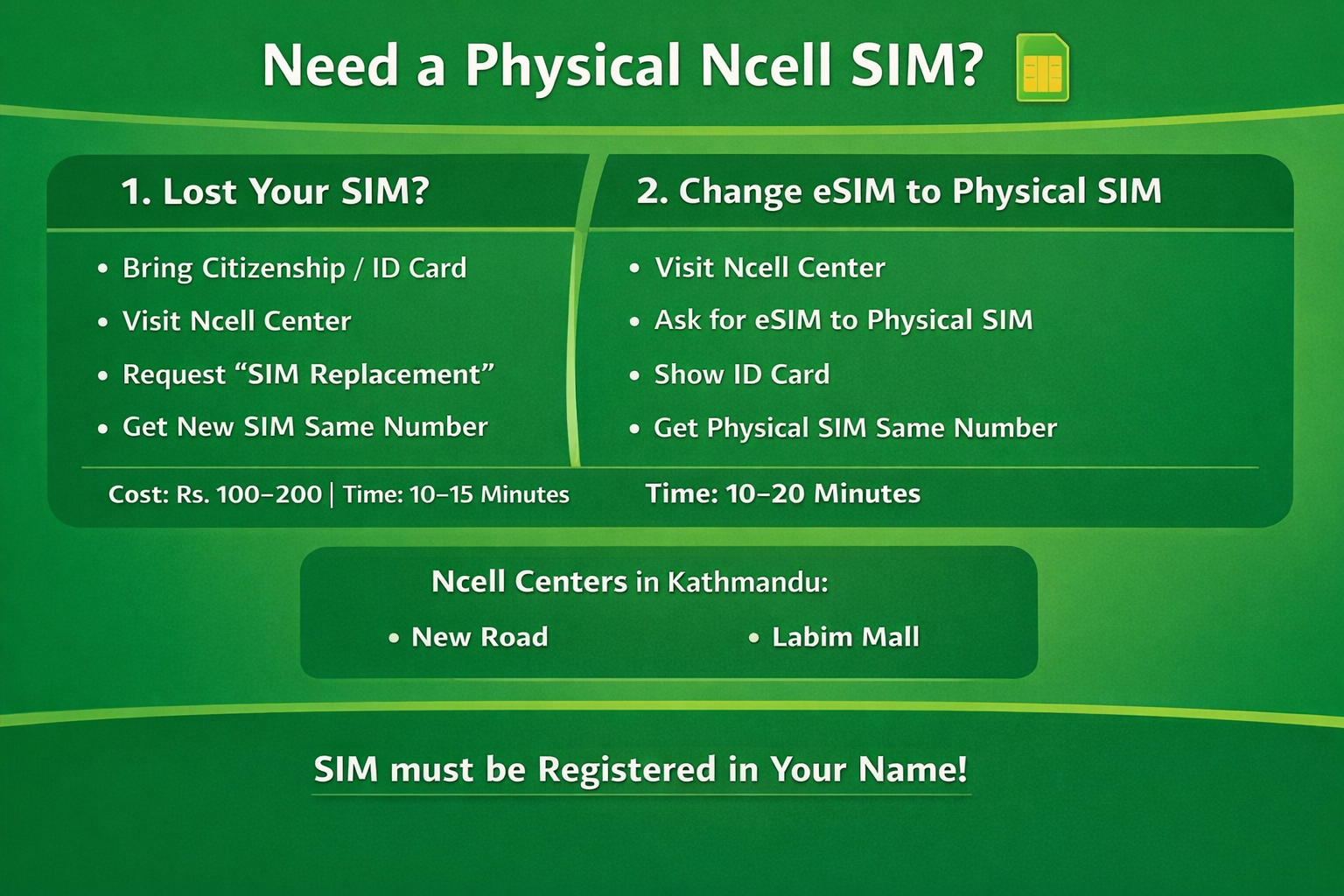
If your Ncell SIM card is lost or damaged, you can request a SIM replacement from an official Ncell Center.
Original Citizenship Card, Passport, or Driving License
The SIM number should be registered in your name
Visit the nearest Ncell Center
Inform the staff that you need SIM Replacement
Provide your ID for verification
After verification, you will receive a new SIM with the same number
⏱ Processing time: 10–15 minutes
💰 Cost: Around NPR 100–200
Your old SIM will automatically be deactivated, and the new SIM will start working shortly.
If you are currently using an eSIM but want to switch back to a physical SIM, Ncell allows this service as well.
Visit an official Ncell Center
Request eSIM to Physical SIM conversion
Show your ID card
The staff will deactivate the eSIM and issue a physical SIM with the same number
⏱ Processing time: 10–20 minutes
You can visit these Ncell service centers:
Ncell Center – New Road
Ncell Center – Labim Mall
Please Visit this links for more Ncell Center Numbers : https://www.ncell.com.np/en/individual/ncell-center
These service centers provide SIM replacement, SIM upgrades, and other Ncell services.


Comments